The video collage maker for side‑by‑side & split screen videos
Put videos and photos in one frame — side by side, in a grid or picture-in-picture. Up to 9 play at once, and each cell can play several clips in a row — up to 100 clips in one collage. Pick a template, drop in your clips and export up to 4K HDR for TikTok, Reels and YouTube Shorts.
- First project free
- No watermark
- No ads
- 3-day free trial
Built for every short-form platform
Everything you need, nothing in the way
Most video apps feel like an airplane cockpit. Here the grid does the work — and every tool stays out of your way until you need it.
100 layouts, up to 9 cells
Side by side, stacked, grids, animated and gradient templates. Every cell plays at once, and the layout adapts as you add clips.
Learn how →Blend two videos
Stack clips full-frame and mix them with Screen, Multiply, Overlay and 5 more blend modes, each layer with its own opacity. Or let two side-by-side clips melt together with a gradient.
Learn how →Several clips in one cell
Each cell plays its own clips one after another — up to 100 in one collage. Trim, split and reorder them on the multi-track timeline, and snap them to each other's edges.
Learn how →Photos and videos together
Mix photos and videos in the same grid, or use any photo or video as the background of the whole collage.
Learn how →Remove Background
Cut out people, pets or objects in photos and videos, then place them over a color, a photo or another video.
Learn how →Auto Captions
Turn speech into editable subtitles in dozens of languages, styled with your own fonts, colors and animations.
Learn how →Overlays & picture-in-picture
Layer photos and videos anywhere on top of the grid, then resize them, round the corners and add a border.
Learn how →Text & animations
20 fonts with colors, outlines and HDR glow. Fade, slide, zoom and pop, with spring and bouncy timing.
Learn how →Music & sound
Add songs from your library or Files, set the volume, fade in and out — or mute any clip.
Learn how →Filters & transforms
16 filters plus brightness, contrast, saturation, exposure, temperature and hue. Flip, mirror and rotate any clip.
Learn how →4K HDR in 9 aspect ratios
Export up to 4K at 60 fps with your iPhone's HDR intact — in 9:16, 4:5, 1:1, 16:9 and more.
Learn how →Three steps to a finished collage
No editing skills, no learning curve — the grid does the work, you just choose the clips.
Pick a template
Vertical for Reels, TikTok and Shorts, square, landscape, animated or gradient — 100 layouts to start from.
Add videos and photos
Choose clips from your library or Files and the grid fills itself. Trim, reorder and style whenever you like.
Export and share
Sharp up to 4K at 60 fps, with your iPhone's HDR intact — ready for Reels, TikTok and Shorts.
See Video Grid Collage in action
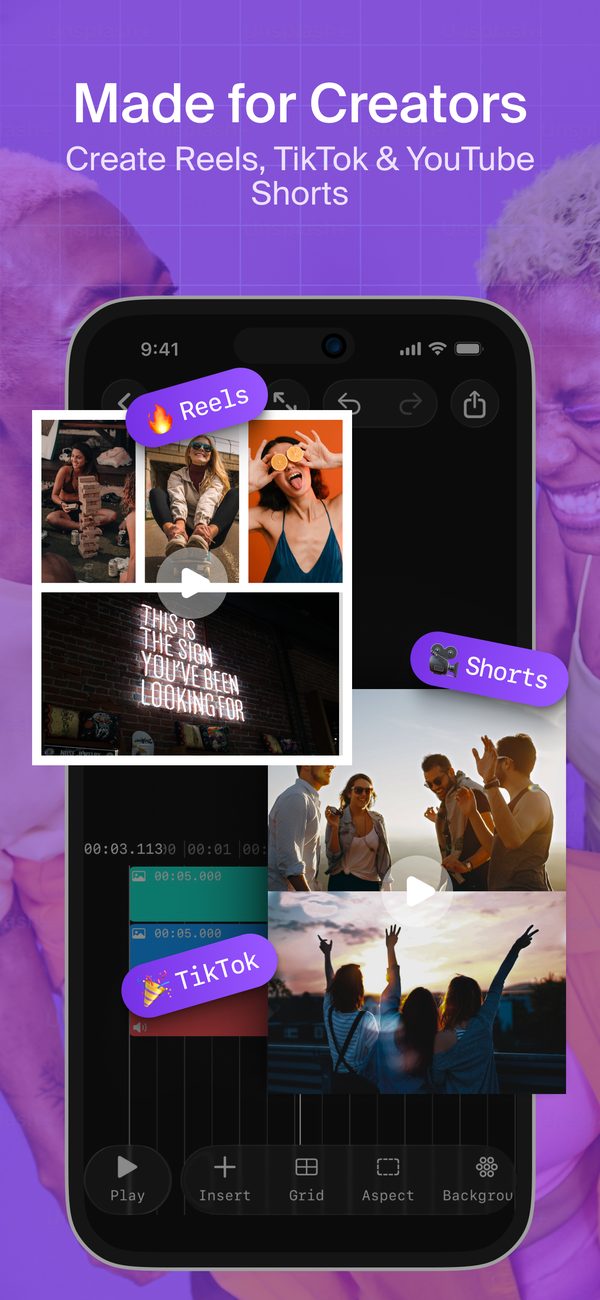
From combining clips and trimming on the timeline to flexible layouts and styling — here's the app in action.
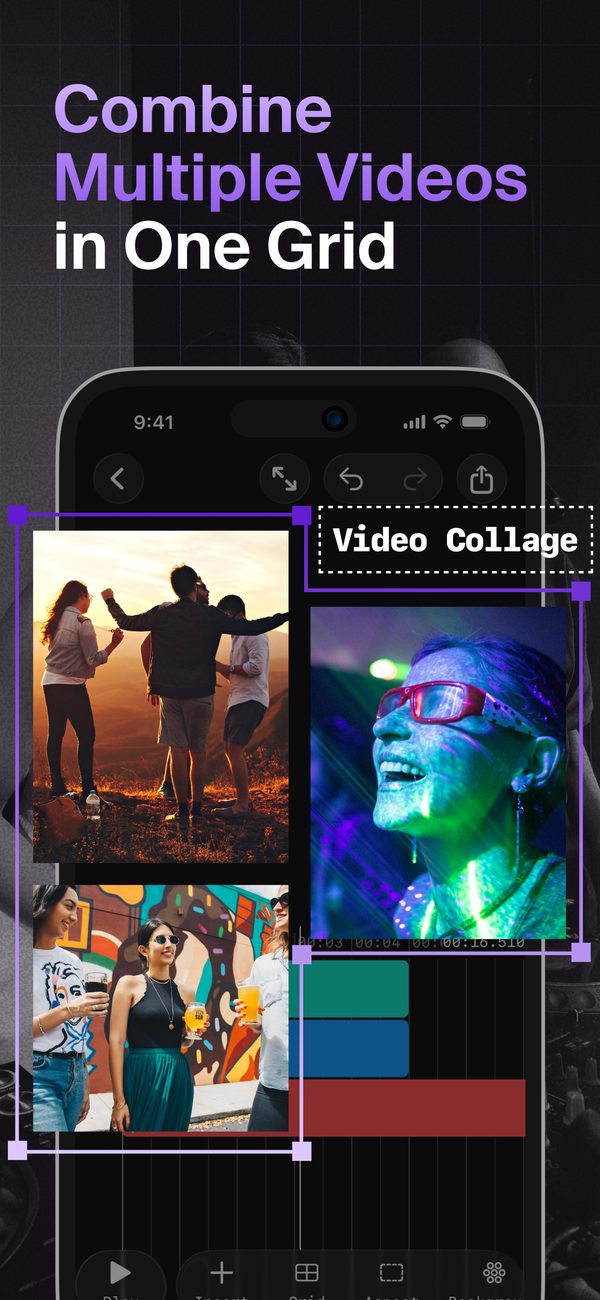
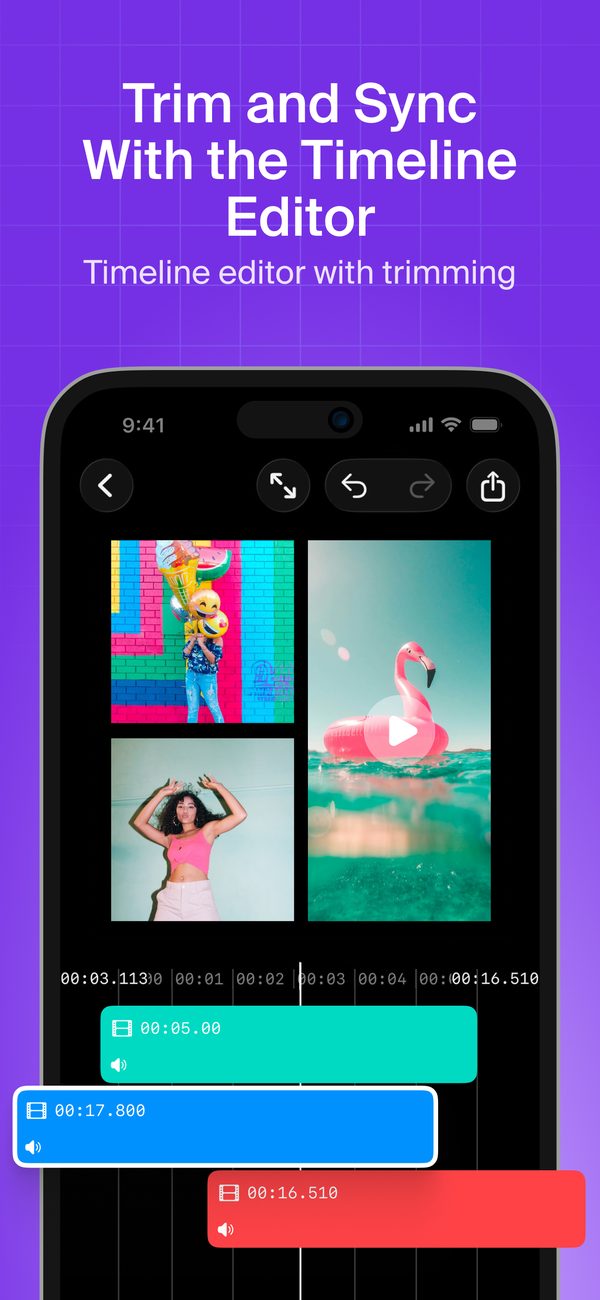
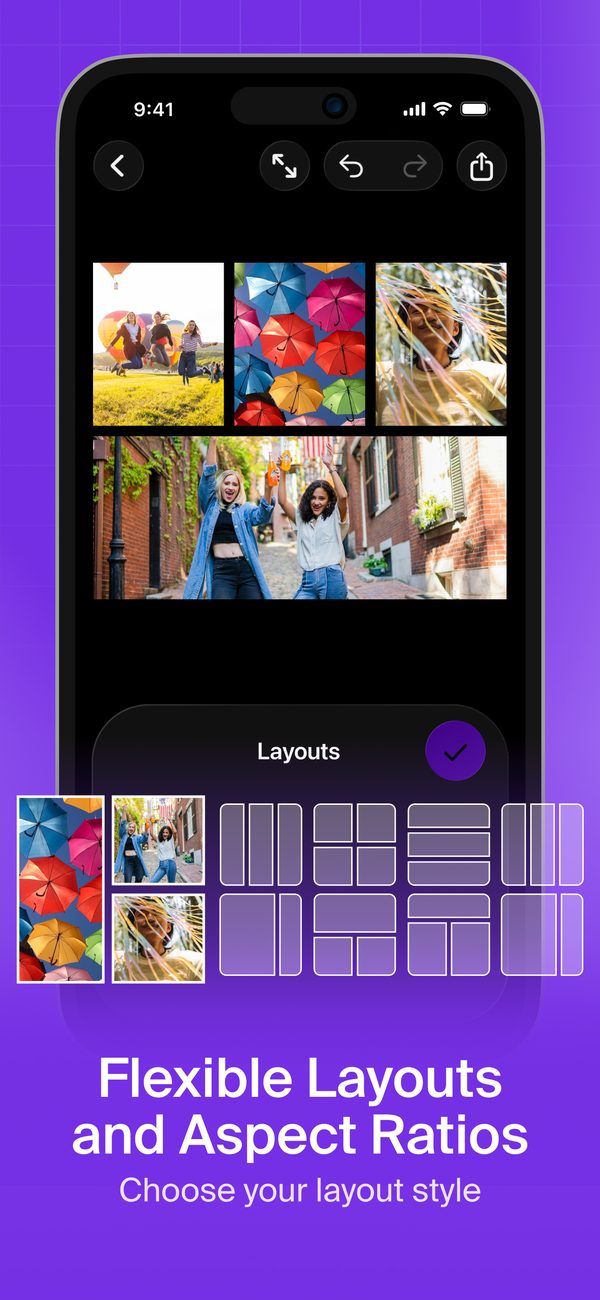
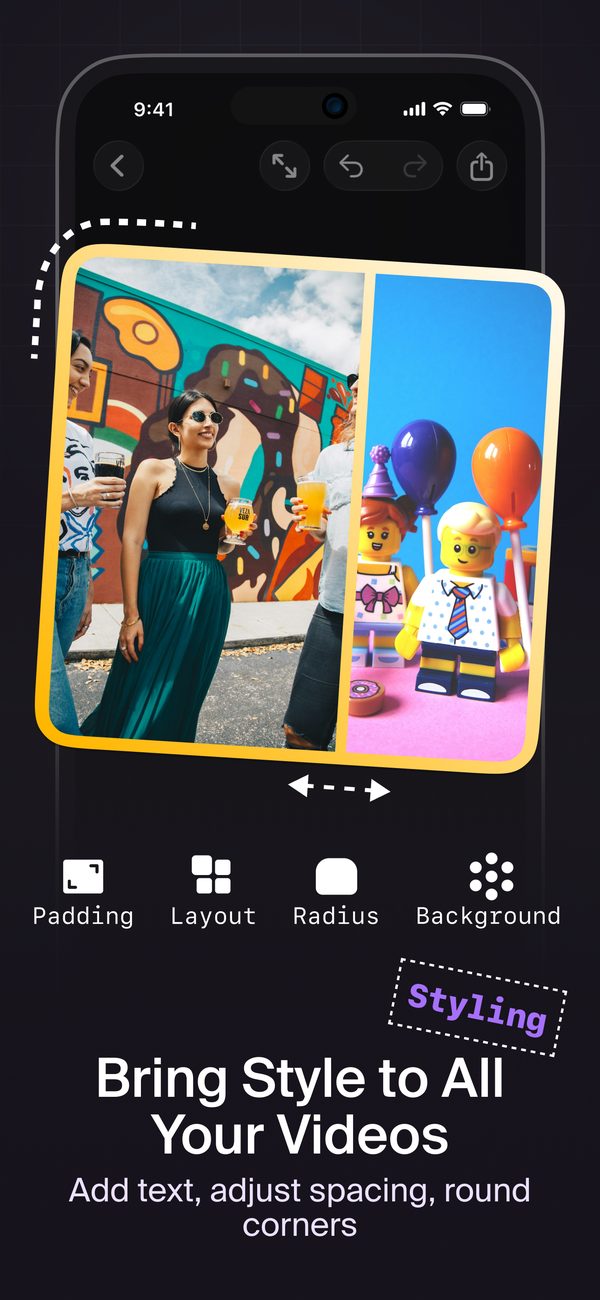
Swipe to see more →
A video collage app for every moment
Reactions, comparisons, recaps and family memories — show several moments in one frame.
Loved by creators
Real reviews from people making video collages every day.
A real instant video collage maker!
“You can create grid videos very fast.”
Superuser9000 · Poland
Great for creative projects
“It's a stylish and highly convenient application. Easy to use and intuitive, it's great for beginners as well. A nice tool for a variety of creative projects.”
MiśPuchatek · Poland
Easy to use
“Free and easy to use!”
snow_ham · United States
👌🏻
“Good app, easy to use. Maybe the export could be a little faster, but all in all it's 100% recommendable.”
maestroprotervo · Chile
Your first project is free
Unlimited exports and no watermark on your first project. Go Pro when you want more — the yearly plan starts with 3 days free.
Free
$0
Your first project
- All 100 layouts and templates
- Text, captions, music and effects
- Unlimited exports
- No watermark
Pro
Unlimited
Weekly, yearly with a 3-day free trial, or a one-time lifetime purchase
- Every project, not just the first
- All current and future features
- Unlimited exports, no watermark
- Support an independent developer
Start making video collages today
Your first project is free — no watermark, no ads. Simple. Powerful. Creative.